
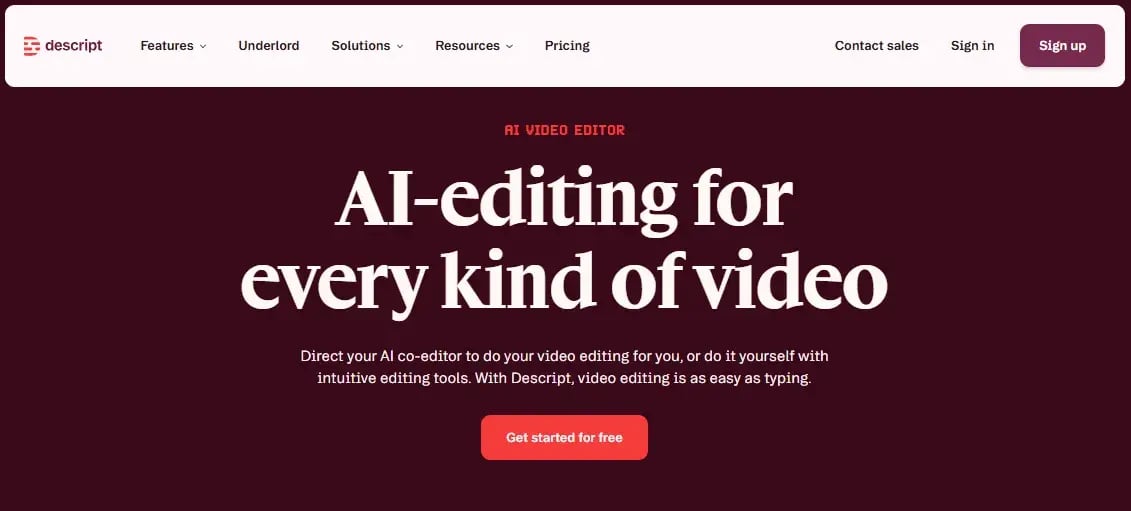
Descript AI is an innovative AI video editor and audio platform that allows users to edit media by editing text: transcribe a recording, then cut, rearrange, or clean up the footage just by editing the transcript the way you'd edit a Google Doc. That approach removes the steep learning curve that comes with traditional timeline-based video editing software, since there's no need to learn where every button lives before producing a usable video.
That speed matters most for teams that don't have a dedicated video department. A marketing team can turn around a product launch video or an internal training clip without waiting on a specialist. This supports both a global marketing lead's need to scale content production across regions and a resource-conscious CMO's goal of getting more output from the same headcount.

Top Descript Features for Marketers
Descript's feature set spans the entire production process, from the first transcript to the final exported clip, all inside one workspace.
AI Transcription and Text-Based Video Editing
Drop in a video or audio file, and Descript automatically transcribes it, generating timestamps that let you jump straight to any point in the footage by clicking the corresponding word. From there, editing is literal: delete a sentence from the transcript, and Descript removes that segment from the video too, no timeline scrubbing required.
That same text-editing logic powers Remove Filler Words, which scans a transcript for "um," "uh," "like," and other crutch words and strips them from both the transcript and the footage in one pass. For a marketing agency producing several short videos a week, that single feature can cut real editing time off each piece without sacrificing polish.
Studio Sound and the AI Audio Editor
Studio Sound uses machine learning to detect and remove background noise while enhancing voice clarity, all without requiring a soundproofed room or a professional microphone. A recording made near a busy street or with the air conditioning running can come out sounding like it was captured in a proper studio.
Skipping the expensive mic setup and treated recording space while still producing broadcast-quality audio is an easy line to defend in a budget conversation, since the alternative is paying for equipment or an external audio engineer to get the same result.
Facilitating Podcast Editing and Screen Recording
Descript's Sequence Editor supports non-destructive multi-track editing, letting a team layer audio, video, and on-screen graphics separately, useful for a video podcast where the audio track and the video footage need independent adjustments. The platform also includes built-in screen recording for capturing presentations or software walkthroughs, and a Clips feature that scans longer footage for the most engaging moments and automatically repurposes them into shorter, platform-ready cuts.
Having recording, multi-track editing, and clip generation inside one workspace means a team producing a webinar, a podcast, and its promotional social clips doesn't need to move the project between three separate tools to get all three deliverables out.
A Quick Descript Tutorial: How to Start Editing
Getting a first project from raw footage to a finished export follows a consistent sequence:
- Create a Descript account and open the app in a browser or download the desktop version for Mac or Windows.
- Start a new project and add footage by uploading a file, recording directly through the app, or importing from a Zoom call.
- Let Descript auto-generate the transcript. If there's more than one speaker, assign names to each one to make the transcript easier to scan.
- Edit the transcript directly: delete unwanted sentences or words, and the corresponding video or audio updates automatically. Correct any transcription errors by clicking the word and selecting "Correct."
- Remove filler words through the AI tools menu, choosing which specific words (um, uh, like, you know) to strip out.
- Add captions by selecting a style from the captions menu and adjusting size, layout, and animation on the preview screen.
- Insert on-screen elements like text, shapes, or highlight arrows through the Elements panel if the video needs additional visual emphasis.
- Export the finished video, either as a shareable link, a downloaded file, or a direct upload to a hosting platform like YouTube.
A Price Breakdown
Descript's current plans, per the company's official pricing page, run in three self-serve tiers. Hobbyist costs $24 per month for 10 media hours, 400 AI credits, and watermark-free 1080p exports. Creator, the most popular tier, costs $35 per month for 30 media hours, 800 AI credits, 4K exports, and full access to Descript's AI co-editor and 20-plus additional AI tools. Lastly, Business costs $65 per month and includes 40 media hours, 1500 AI credits, and team-wide access to Brand Studio.
The brand also offers a custom Enterprise plan which can be broken down on a phone call with a member of the Descript sales team.
The Final Verdict on Descript AI
Descript delivers on its core promise: editing a video by editing text genuinely removes the learning curve associated with traditional editing software, and features like Studio Sound and automatic filler-word removal produce a real, measurable jump in output quality without added production time. For a marketing team weighing whether to hire a dedicated editor or invest in a tool like this instead, Descript's combination of transcription, multi-track editing, and clip repurposing covers most of what an in-house video workflow actually needs.
The tradeoffs are modest but worth knowing before adopting it at scale: there's currently no mobile app, and transcription accuracy can dip with heavy accents or uncommon names, meaning some manual correction should be expected on any given project. For a team producing consistent video content, though, those are minor friction points against a tool that can meaningfully cut production time across a marketing calendar.


Enric Llonch
Video Content & Marketing Strategist. Expert in audiovisual production and content and analysis strategies on YouTube.


Leave your comment and join the conversation